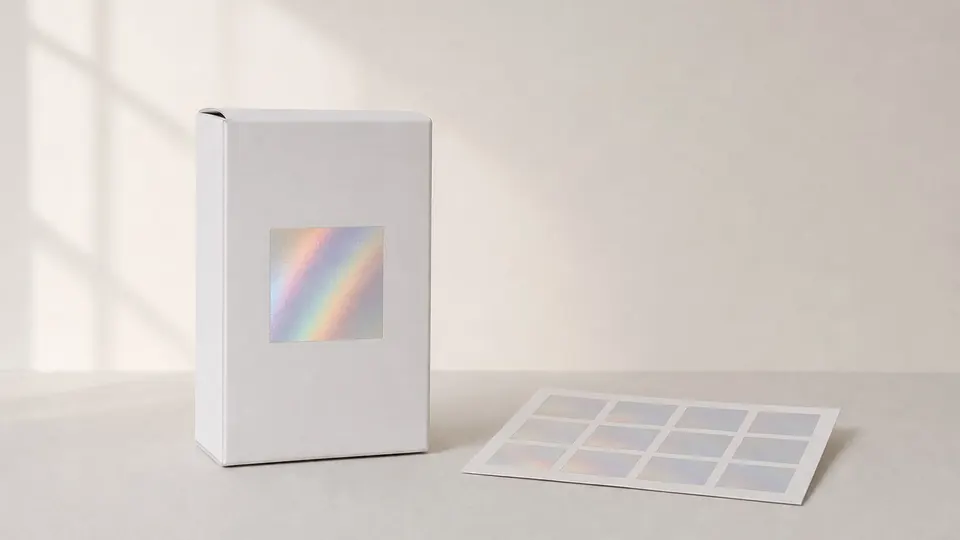
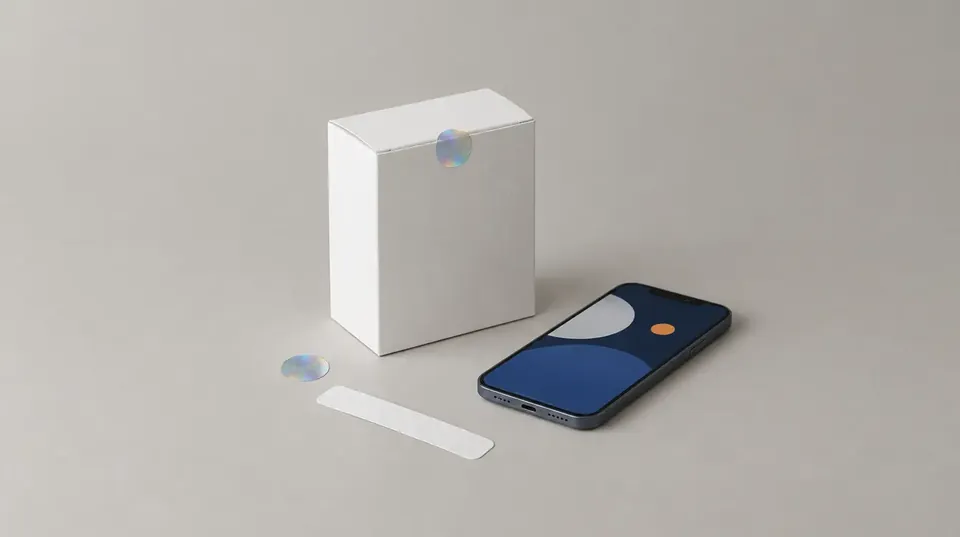
Invisible ink and a digital signature embedded in the print are two covert features that cannot be seen on the pack by eye; in the EUIPO definition, both are visible only with a tool or training. But they are strong in different places. Security ink adds a special material to the print and is checked with a lamp or reader, usually by a trained person. A digital signature sits inside the existing print and is read by an app on a phone. Which one fits depends on who will check the product, how much the print process can change and what kind of copying risk you face.
What exactly do the two methods mean?
Security inks are a broad family. The EUIPO anti-counterfeiting technology guide distinguishes them by their chemical reaction, reading procedure, reading tool and specific characteristics:
- UV-sensitive inks show one shade in daylight and another under ultraviolet light, or disappear. According to the guide, fluorescent pigments have been used since the 1960s to make paper valuables and stamps.
- IR-sensitive inks are invisible to the naked eye and are detected with an infrared reader. The guide considers them generally more robust and longer lasting than UV inks.
- Optically variable inks (OVI) change colour with the viewing angle and are checked by eye, which makes them an overt feature.
- Reactive inks leave a trace on contact with water or solvents and show an attempt at alteration.
A digital signature, in this article, means information embedded in the packaging design so that it cannot be seen by eye and is read by software. It has nothing to do with the e-signatures used on electronic documents. In the EUIPO definition, an invisible digital watermark can only be decoded by a computer program or a machine. The same family includes copy detection patterns; the guide notes that they can be scanned with a phone camera and authenticated with an app. More detail in digital watermark on packaging.
What do they need on press?
Security ink adds a physical material to the print. EUIPO writes that to print UV and IR inks directly on a product, the printing process must be adapted so the ink lands in the intended position. In practice this means sourcing the special ink, stock and usage control at the printer, and colour and density tolerances. If the ink is printed as a separate colour, a press unit and make-ready allowance are needed as well.
A digital signature adds no material; it lives in the design file. The work happens before printing: the signature is placed according to the printing method and material, and a trial print tests whether it reads. So the risk for a signature lies not in the material but in print quality. Colour drift, prepress intervention or a change of material can affect reading. We collected the clauses to agree with the printer in print specification.
Who verifies, and with what device?
| UV ink | IR ink | OVI ink | Digital signature | |
|---|---|---|---|---|
| Reading tool | UV lamp | Infrared reader | Eyes | Phone and app |
| Who checks? | Trained person | Trained person | Anyone who knows the reference | Anyone using the app |
| Server connection | Not needed | Not needed | Not needed | Depends on the system |
| Record of result | Stays with the checker | Stays with the checker | Stays with the checker | Can be recorded |
The table shows the strength of inks: according to EUIPO, verifying UV and IR inks needs no server connection. In a warehouse or at customs without a network, a lamp is enough. The weakness sits in the same row: the person checking must have a lamp or reader and must know what to look for. That is why security ink stays limited to quality teams and inspectors at most brands.
With a digital signature the tool is a phone, so dealers and consumers can scan too. The trade-off is a dependency on an app and on the system behind it.
What drives the cost?
Quoting prices would be misleading, because the cost of the two methods is made up of different items.
For ink, EUIPO notes that most ink technologies are inexpensive and relatively easy to apply. The ink type drives cost up: according to the guide, photochromic and white multispectral inks are more expensive than common types, and OVI can be very expensive and is generally used only in small areas. Other items are the ink consumed over the print run, make-ready and control work at the printer, and the number of lamps or readers in the field along with training.
For a digital signature, no extra material cost arises. Cost is driven by the placement and testing work, setting up the app or adding it to the brand's own app, the record infrastructure, the number of products and the number of channels monitored.
How do they hold up against copying?
No security feature offers absolute protection against copying; the questions to ask are what copying requires and whether the check separates the copy.
The resistance of security inks rests largely on access to the ink and on the physical effect not surviving a scan. EUIPO writes that colour copiers and scanners cannot reproduce the colour shift of OVI, and that IR inks are used to prevent unauthorised photocopying. For photochromic and white multispectral types it also notes that they are very difficult to find and therefore offer stronger protection. That statement also suggests that protection may be less strong with more common types. In addition, an inspector who sees "something glowing" under a UV lamp may accept a similar ink if they do not know the original pattern.
The resistance of a digital signature depends on what the reading shows when the pack is scanned and reprinted. EUIPO explains this logic for copy detection patterns: information is lost with every print and scan, and a copy carries less information because it has been copied at least once more than the original. So what separates the copy is not the presence of the mark but the measurement of the information read. There are two limits: packaging overprinted from the approved file carries the signature (see printer overrun), and a refilled original pack returns a "genuine" result.
When does each make more sense?
- Ink comes first when a trained team does the checking, when checks are needed where there is no network connection, or when a quick check visible under light is wanted. OVI, for its part, suits giving consumers a visible sign.
- A digital signature comes first when dealers and consumers should be able to check too, when the design and print materials must not be touched, and when every check should be recorded.
- They can be used together, for example a UV element for the field team and a phone-read signature for dealers and consumers. Because the two layers serve different people, neither replaces the other. We explained the logic of layering in the packaging security guide.
Where does Grafex stand?
Grafex is on the side of the digital signature embedded in the print. The invisible signature sits inside the existing packaging design, suited to the printing method and material; no new visual element, logo or code is added to the packaging and the packaging is printed on the existing line. A proof and verification test is carried out before printing. Because the signature is generated from a brand-specific key, packaging that does not carry it, or does not match the key, does not get a genuine result at verification; in that sense it is copy-resistant. Company teams, dealers and consumers scan the product with a smartphone, and every scan is recorded with date and location. Details on the technology page.
Frequently asked questions
Can invisible ink be read with a phone?
For UV and IR inks, EUIPO states that a dedicated reading tool is needed: a UV lamp or an infrared reader. Covert features read by phone are generally marks decoded by software.
Does a digital signature change how the pack looks?
Not with Grafex. The signature sits inside the existing design so that it cannot be seen by eye; colours, logo and text layout stay the same.
Which is cheaper?
There is no single answer. For ink, cost is driven by the ink type, the print run and the readers in the field; for a digital signature, by setup, the number of products and the channels monitored.
Can the two be used together?
Yes. Because they serve different people, they can be used together. What matters is checking in the print test that the two features do not interfere with each other.